FAB Bank Balance & Salary Check | PPC Prepaid Cards Enquiry
Checking the funds available on your FAB account is quick and secure, whether you use a Ratibi payroll card. First Abu Dhabi Bank, commonly known as FAB, provides several digital and offline enquiry options for customers across the UAE.
For a prepaid or Ratibi salary account, visit the official ppc inquiry portal and enter the last two digits of your card number together with your Card ID. The system will then display the available amount.
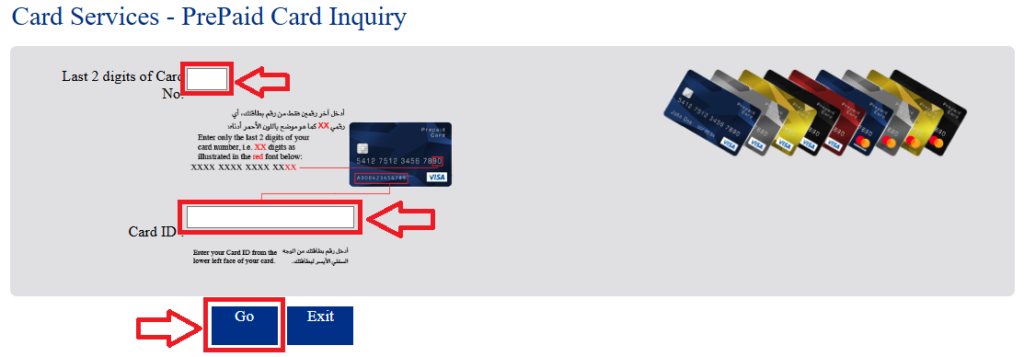
You can also check Ratibi Card Salary online.
Below are the main FAB Bank balance enquiry methods available in 2026.
Methods to Check FAB Bank Balance
FAB gives customers several ways to view their available funds. The most suitable option depends on whether you prefer the official portal, smartphone banking, an ATM, phone support, or SMS.
FAB Official Website (Online Inquiry)
The official enquiry portal is one of the simplest options for prepaid and salary-card users.
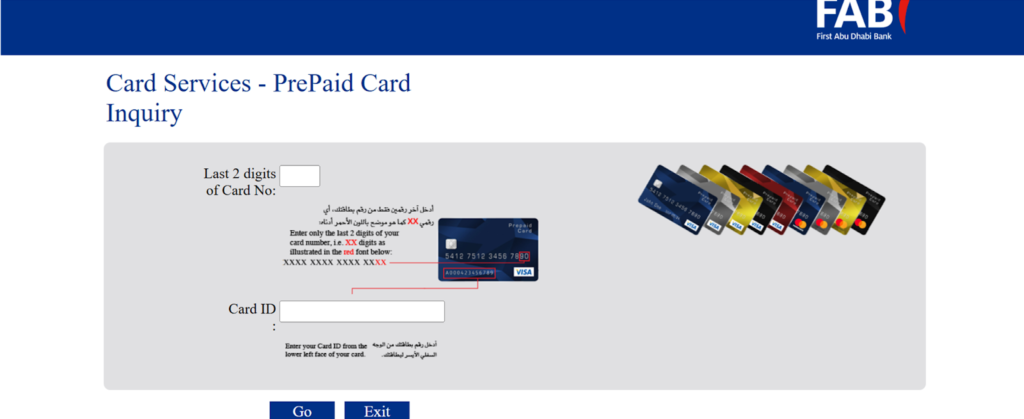
Step 1: Visit the official FAB website and open the prepaid card enquiry service.
Step 2: Enter the last two digits of the card number and your Card ID.
Step 3: Complete the required verification and select Go.
Step 4: The portal will display the available amount together with relevant card information.
The service may use security verification measures such as Multi-Factor Authentication (MFA) and a One-Time Password (OTP).
You can also visit LuLu Salary Check to know your balance.
FAB Mobile App (Recommended for UAE Employees)
The FAB Mobile App provides convenient access to account information, recent transactions, transfers, and other everyday banking services while on the go.
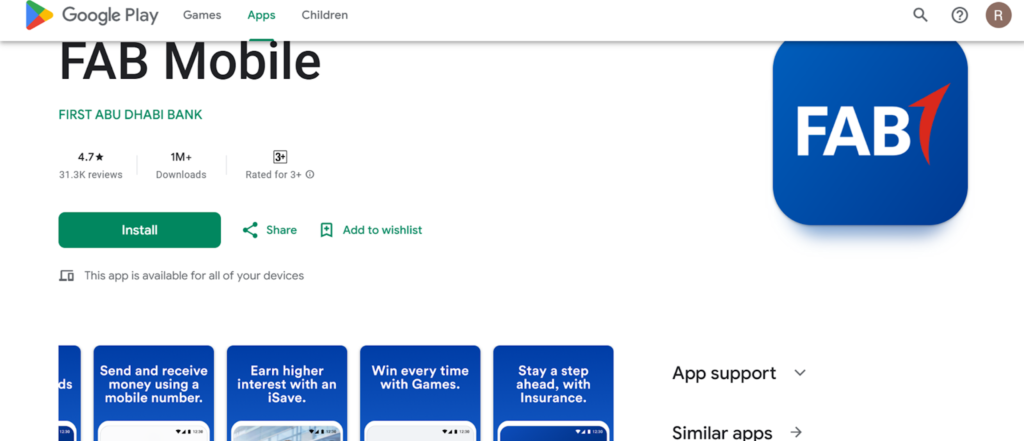
Step 1: Download the app from the Play Store or Apple Store for Android or iPhone users.
Step 2: Log in using your username and password.
Step 3: Verify your account using OTP and registered mobile number.
Step 4: Your FAB salary balance appears on the home screen.
FAB ATM Enquiry Without Internet
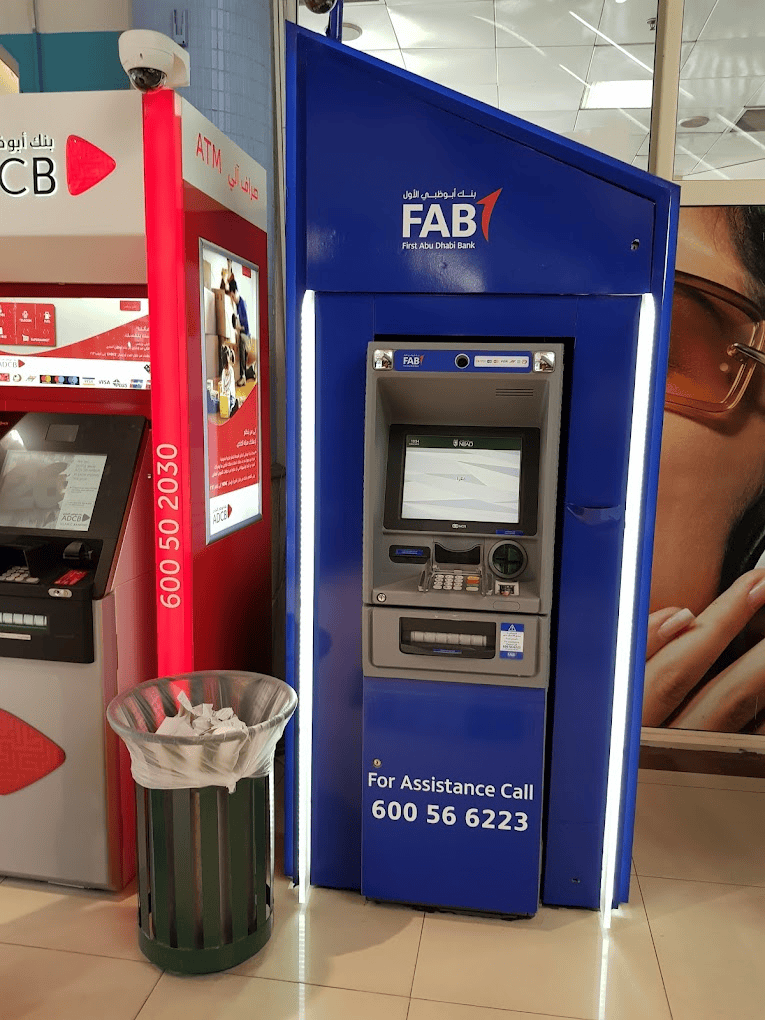
Using an ATM is a practical option when mobile data or Wi-Fi is unavailable in Dubai, Abu Dhabi, or elsewhere in the UAE.
To view your available funds:
- Insert your debit, prepaid, or payroll card.
- Enter your PIN when required.
- Select Balance Inquiry from the menu.
- View the amount displayed on the screen.
ATM services can be useful for customers who prefer a physical banking channel rather than an app or website.
Phone Banking & Customer Care
Customers who cannot access digital banking can also contact FAB customer support for assistance.
FAB Customer Care Numbers:
- UAE: 600525500
- International: +97126811511
Follow the automated voice instructions and choose the relevant account enquiry option. You may need to complete identity verification before financial information is provided.
SMS Banking
SMS banking can be useful when you need basic account information without opening an application or browser.
To use the service:
- Make sure SMS banking is activated for your account.
- Send the required command from your registered mobile number.
- Follow FAB’s instructions to receive the requested information by text message.
This can be convenient for UAE customers who have limited internet access.
Al Rostamani Exchange account holders can visit the Rpay Balance Enquiry page.
How to Get FAB Bank Statement Online (PDF)
Customers using FAB Online Banking can access electronic statements without visiting a branch.
To download a statement:
- Visit the official FAB website.
- Sign in using your user ID and password.
- Navigate to Bank Accounts → e-Statements.
- Select the required statement and download the PDF.
Electronic statements may be password-protected to help keep personal financial information secure.
Types of FAB Accounts in the UAE
FAB provides different banking products for day-to-day spending, savings, payroll management, and digital transactions.
Current Accounts
Current-account options may include:
- FAB One
- Elite Current
- FAB Etihad Guest
These products are generally designed for everyday payments, transfers, withdrawals, and other routine financial activity.
Savings Options
Customers looking to keep money for longer-term goals may consider products such as:
- Personal Savings
- iSave
- Elite Savings
Features and eligibility can vary between products.
Digital Payroll and Prepaid Products
FAB also offers services aimed at employees and employers, including:
- Digital Salary Account
- FAB Ratibi Card
Ratibi and related payroll solutions are designed to support wage payments in the UAE.
Why Monitor Your Available Funds Regularly?
Keeping an eye on your finances can make everyday money management easier.
- Budget planning: See when wages or other payments arrive and monitor spending.
- Fraud awareness: Spot unfamiliar transactions sooner.
- Cash management: Reduce the risk of declined purchases or insufficient funds.
- Financial planning: Understand how much money is available before making larger payments.
Regular monitoring can also help you identify unexpected deductions, duplicate transactions, or payments that have not yet appeared.
FAQs
Is there a fee for viewing my funds at a FAB ATM?
FAB customers can generally use the bank’s own ATMs to access basic account information. Charges may differ when other networks or services are involved.
What is the password for my e-statement PDF?
A downloaded statement may be protected with a password based on personal or account information. Follow the instructions provided with the statement or by FAB rather than guessing the password format.
How can I find my International Bank Account Number (IBAN)?
You can normally find your IBAN in two ways:
- Use the IBAN Generator available through FAB’s website.
- Open your account details in the banking application.
Your IBAN may also appear on statements and official documents.
Can I access my FAB account from outside the UAE?
Yes. Customers can generally use digital banking services while abroad, provided they have internet access and can complete any required security verification.
Can I view my available funds without internet access?
Yes. An ATM or eligible SMS service can provide access without requiring mobile data or Wi-Fi.
What should I do if my FAB ATM card is not working?
Contact FAB customer service or visit a nearby branch. Avoid repeatedly entering an incorrect PIN, as this could result in the card being temporarily blocked.
How can salary-card users quickly view their available amount?
Ratibi or prepaid-card users can use the official enquiry portal or another supported channel provided for their card type. ATM availability may depend on the specific product.
Is the official FAB online service secure?
FAB uses security measures designed to protect digital banking activity. Customers should always use official websites and applications and should never disclose OTPs, PINs, or passwords to another person.
Can I view recent transactions in the FAB app?
Yes. Customers with supported accounts can use the app to review recent activity and other information.
What should I do if I forget my online banking password?
Use the Forgot Password or account-recovery option provided through FAB’s official website or application. Complete the required identity verification to create a new password.
Final Thoughts
FAB customers have several ways to access their financial information, including the official website, smartphone banking, ATMs, phone support, and SMS services.
For Ratibi and prepaid users, the dedicated enquiry portal is particularly convenient because it provides quick access using basic card information. Customers with regular current or savings accounts may prefer the app or internet banking for more detailed management.
Whichever method you choose, use official FAB channels and keep your PIN, password, OTP, and other security information private.